A live wallpaper is a video your device never stops playing
SECTION
LIVE WALLPAPERANSWERS
live wallpaperREAD
7 minFIGURE
photographA live wallpaper is a background your device redraws continuously instead of once, whether that is a short video loop, a scene rendered in real time, or a web page, running behind your icons for as long as the home screen or desktop is visible.
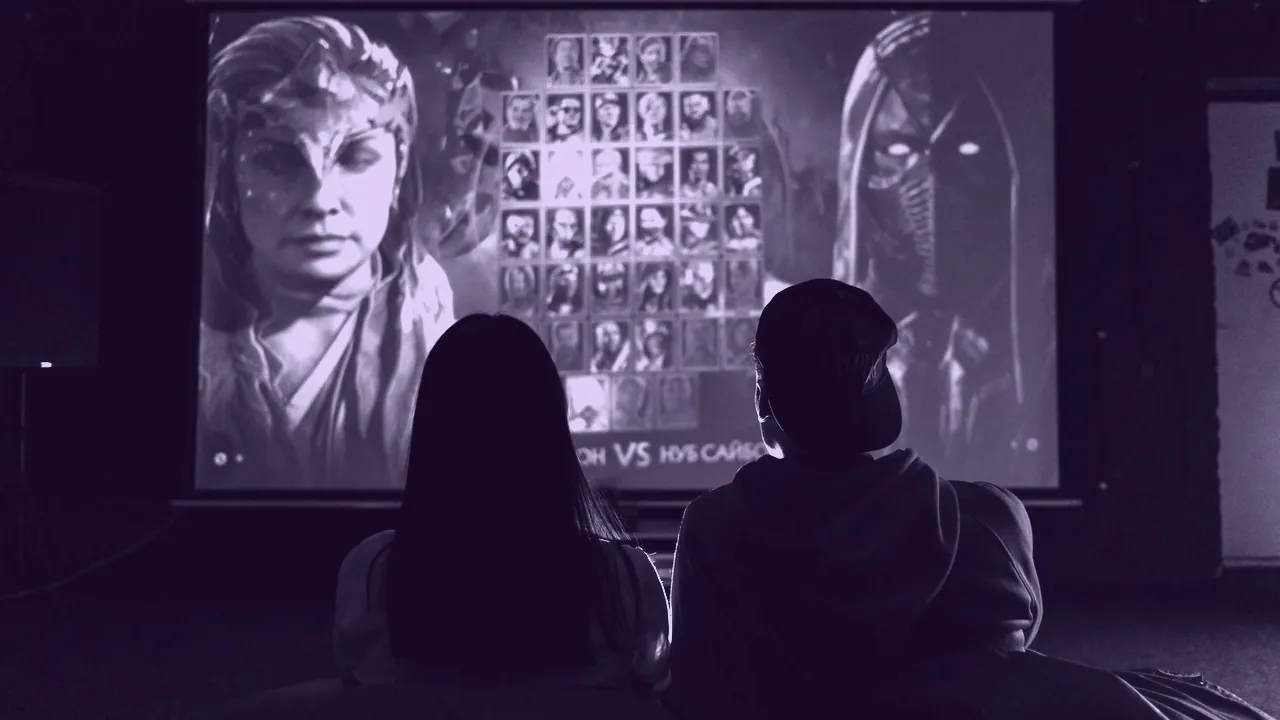
The word live covers four quite different things, and most of the confusion around the subject comes from mixing them up. A video loop and a rendered scene are not the same file, do not cost the same to run, and are not supported by the same platforms. Before you go looking for one it is worth knowing which of the four you are actually after, what each of them costs, and which of them your device will even accept.
The four things a live wallpaper can actually be
| Kind | What the file actually is | What it asks of the device |
|---|---|---|
| Video loop | An MP4 or WebM of a few seconds, played end to end and repeated | Video decoding for every visible frame |
| Rendered scene | Layers, particles or a shader drawn fresh each frame | GPU work for every visible frame |
| Web page | HTML, CSS and JavaScript inside an embedded browser | A browser engine kept resident behind the desktop |
| Application wallpaper | A program drawing its own window behind the icons | A process running for as long as you are logged in |
A fifth thing gets called live and is not: a wallpaper changer or slideshow, which swaps one still image for another on a timer. That costs one decode at each change and nothing in between, and it is a genuinely different proposition from anything in the table. If what you want is variety rather than motion, a slideshow gives you the first without paying for the second.
The three costs every live wallpaper has
Every live wallpaper costs you three things, and they are worth separating because only one of them is negotiable. The first is power: a moving wallpaper draws power whenever the home screen is visible and nothing at all when the screen is off or an app is in front of it. The second is performance: a wallpaper that keeps rendering while you work is competing with your applications for the same GPU, which is why a wallpaper program that pauses when covered is the one worth having. The third is rights, and that one is not negotiable at all, because it is not a setting.
The rights cost is the one people skip. A moving wallpaper made from somebody else's animation is a copy of somebody else's animation, and turning it into a loop does not change who owns it. Free to download and free to use are not the same claim: the first describes what a server will let you take, the second describes what a license permits. Only four categories are genuinely free to use: work the rights holder released with stated terms, work under an open license, work licensed from the artist, and work you made yourself.
That last category is the only one with no rights question at all, and for live wallpaper it is more approachable than it sounds, because a loop of your own footage or your own drawing is a loop nobody can object to.
What each platform gives you, and what it does not
| Platform | Built in support | What you have to supply |
|---|---|---|
| Android | Yes, a live wallpaper is a system service the launcher hosts | An app, or a video that an app imports |
| iOS | Partial, and limited to Apple's own material plus a Live Photo | A Live Photo you shot or converted |
| Windows | None at all | A third party program, for every part of it |
| macOS | Yes, but only Apple's own aerial and dynamic desktops | A third party program for anything of your own |
Android is the oldest of the four and the only one where a live wallpaper is a first class citizen of the operating system rather than a thing bolted on. Windows is the opposite extreme: the desktop takes one still bitmap, and every moving wallpaper on a PC is a program drawing over that. macOS fills the screen with its own moving desktops and gives you no way in, so a video of yours needs a third party tool. iOS is the most restricted of all, and what it accepts is a Live Photo rather than a video file.
What a live wallpaper download actually gets you
A live wallpaper download is three unrelated things wearing the same name, which is why the results are so uneven. Sometimes it is an application, which you install and which then draws the wallpaper. Sometimes it is a media file, an MP4 or a GIF, which is useless on its own and needs a program to display it. Sometimes it is a package for a specific program, such as a Steam Workshop item, which will not open in anything else. Wallpaper Engine is a Steam program that plays these packages on Windows, and its Workshop content is user uploads, which means the rights on any given item are whatever the uploader says they are, and frequently the uploader did not make the art.
On a computer this is a security question as much as a rights one, because a wallpaper program runs at login and draws on your desktop, which is a lot of trust to give away for a moving picture. Check the publisher, check whether the program starts itself, check whether it pauses when covered, and check what it wants from the network before you install anything of this shape.
The resolution a moving wallpaper needs
A live wallpaper has to cover the panel exactly like a still one does, and the pixel arithmetic is unchanged by the fact that it moves. A 1920 x 1080 loop on a 3840 x 2160 desktop is being upscaled to four times its pixel count, and motion does not hide that, it advertises it. On a phone the problem runs the other way: panels of 1080 x 2400 and 1440 x 3120 are far taller than anything is composed in, and a 16:9 source scaled to fill a 9:19.5 phone has to be roughly 3.85 times as wide as the screen, so almost all of it ends up off frame. The same picture is a different file on every device, and a loop is no exception to that.
File size is the second constraint and it is where live differs from still. A still image is stored once. A loop stores every frame, so a long loop at a high resolution becomes a large file quickly, and the usual answer is a short loop that cuts cleanly back to its first frame rather than a long one that has to be trimmed. Wide screens make this worse in proportion: an ultrawide at 3440 x 1440 or a super ultrawide at 5120 x 1440 needs a source composed for that shape, because cropping a 16:9 loop to 21:9 keeps only about 74% of the original height, cutting the top and the bottom.
When a live wallpaper is the wrong answer
A live wallpaper is the wrong answer in three specific situations, and none of them is a matter of taste. Avoid one on a laptop you run on battery for long stretches, because the desktop is visible more often than it feels and every visible frame is work. Avoid one that carries a fixed bright element on an OLED panel, because the motion elsewhere does not protect the part that never moves. Avoid one entirely if the content you would be looping is not yours to loop, which is the commonest case with animation and the one no setting fixes.
Where none of those apply, a live wallpaper is a small, cheap pleasure. Pick a short loop, pick one composed for the shape of your screen rather than cropped into it, and pick a program that stops drawing when something covers it. Those three choices remove most of what people complain about afterward.
WHAT THIS SITE DOES NOT DO
This site hosts no wallpaper files of any kind and points at none. It explains what a screen needs and how to tell whether an image is yours to use. Where the picture somebody wants is not free to use, the honest answer is that it is not, and the useful answer is what is.