The one wallpaper whose rights are never in question is the one you made
SECTION
MAKE YOUR OWNANSWERS
how to make your own wallpaperREAD
5 minFIGURE
photographTo make your own wallpaper, start from the exact pixel size of the screen it is for, build one image at least that large out of material you have the right to use, and export it in a format that keeps flat color clean.
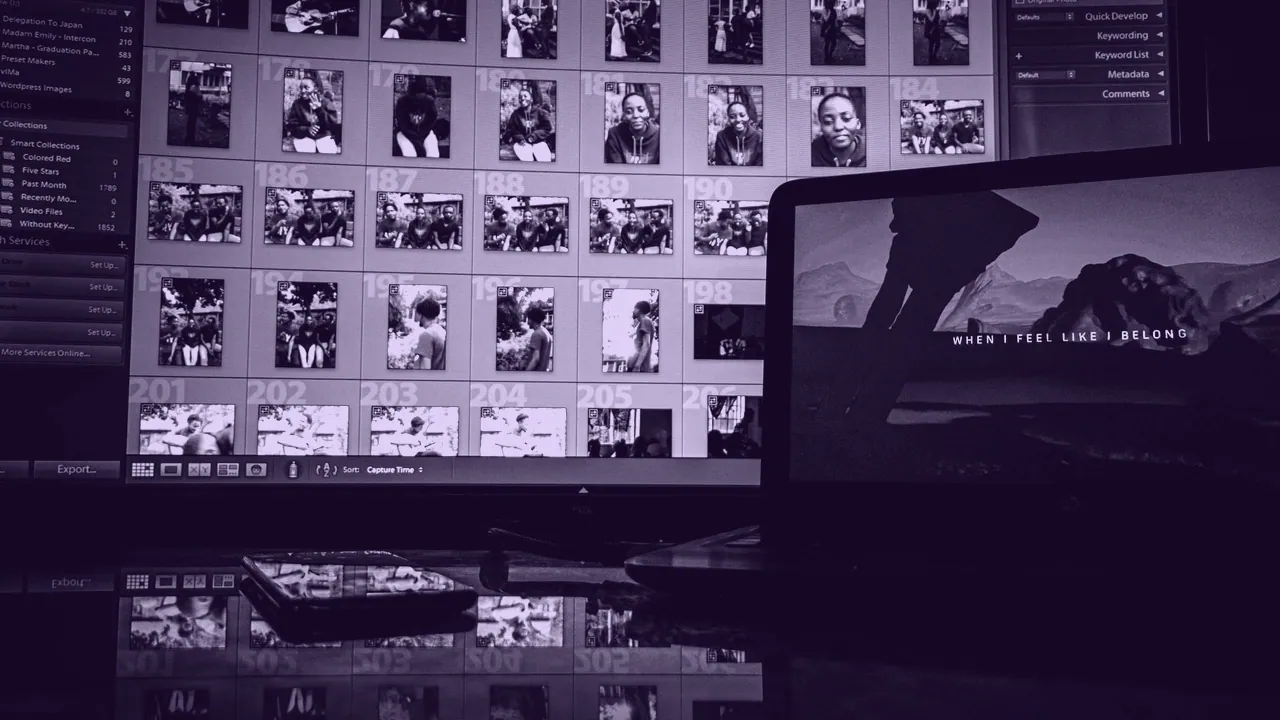
That is the whole method, and the order is the part people skip. Every wallpaper problem this site covers is one of two failures: the file does not fit the screen, or the picture is not yours to use. Making it yourself is the only route that closes both at once, because a picture you made is the one case with no rights question at all and the one case where you get to choose the dimensions before you draw a single pixel.
What you need, and the order you need it in
- Measure the target in pixels, not in inches and not in what the operating system reports.
- Choose the aspect ratio that target implies, because it decides the shape of everything after it.
- Gather source material you own, made, licensed, or found under a license you have read.
- Compose on a canvas already at the target size, so nothing is resized after it is placed.
- Export in a format that survives large flat areas of color without banding.
Nothing in that list requires paid software, and nothing in it requires drawing ability. A wallpaper made from a photograph you took, a gradient you built, or a geometric composition you arranged is as legitimately yours as an illustration, and it fits your screen exactly because you sized the canvas first.
Start with the number your screen actually wants
The number your screen wants is its native pixel count, and on several common devices that is not the number the system shows you.
| Target | Pixels | Aspect |
|---|---|---|
| Standard desktop | 1920 x 1080 | 16:9 |
| Common 27 inch monitor | 2560 x 1440 | 16:9 |
| 4K UHD | 3840 x 2160 | 16:9 |
| Standard ultrawide | 3440 x 1440 | 21:9 |
| Super ultrawide | 5120 x 1440 | 32:9 |
| Two 1920 x 1080 panels | 3840 x 1080 | spanned |
| MacBook Air 13 in | 2560 x 1664 | reported as 1280 x 832 |
| iPhone 6.1 in standard | 1179 x 2556 | reported as 393 x 852 |
The last two rows are the trap. macOS reports points, the panel has pixels, and on a Retina display there are two pixels per point in each direction, so a canvas built to the reported number arrives at half resolution and is upscaled to fill. Build at 2560 x 1664 for a MacBook Air 13 in, not at 1280 x 832. The same picture is a different file on every device it lands on, and two screens need one wide file rather than two copies of a narrow one.
Four ways to make one, and what each of them costs you
Four routes produce a wallpaper you own outright, and they differ in time rather than in legitimacy.
- Photograph it. A photograph you took is yours completely. Shoot wide, crop to the ratio afterward, and keep the original file.
- Draw or vector it. A drawing you made is yours, and a vector composition is the only source that rescales to any panel without loss, from 1366 x 768 to 7680 x 4320.
- Compose it from shapes and type. Gradients, geometry and lettering on a large canvas make the aesthetic minimal wallpapers people search for, and they cost nothing but arrangement.
- Commission or license it. Paying an artist for a custom piece, with the use written down, is the clean answer when you need the work for anything commercial.
Why making it settles the rights question that nothing else settles
Four categories of wallpaper are genuinely free to use, and only one of them has no conditions attached at all. Work released by the rights holder comes with stated terms: Studio Ghibli published a large set of stills on ghibli.jp from September 2020, free to use within the bounds of common sense, which is a real and unusually plain example of a rights holder saying yes. Openly licensed work comes with a license you have to read, because Creative Commons BY requires credit, NC forbids commercial use, and ND forbids derivatives, and cropping a wallpaper to your screen is a derivative. Work licensed from the artist comes with a contract. Work you made yourself comes with nothing.
Free to download is in none of those four categories, because it describes what a server will let you do rather than what a license permits. That distinction is the reason this page exists: when the picture somebody wants turns out not to be free to use, the honest next step is not a better search, it is a canvas.
The three jobs that have their own page
Three jobs come up so often inside this method that each has its own treatment. Turning a picture into a wallpaper is the core one: crop to the aspect ratio first, resize the crop once, and export without destroying the flat color, in that order and never the other way round. Upscaling a wallpaper that is too small is the second, and it is a page about limits, because an upscaler invents the pixels that were never in the file and the invention shows most on flat anime color. Making a wallpaper move is the third, and it turns on loop length and seamless joins rather than on drawing.
What it costs to run afterward is a separate question again. A live wallpaper is a video your device never stops playing, and Wallpaper Engine is a Steam program that plays animated wallpapers on Windows, paid and Windows only, with free open source alternatives in Lively Wallpaper and ScreenPlay.
Printing your own wallpaper is a different product entirely
Printed wallpaper is paper on a wall, measured in area, and it shares nothing but a word with the file on your screen, measured in pixels. This site does not price it and will not guess: printing costs vary by material, by finish, by roll width and by country, and any single figure quoted here would be wrong somewhere. If the plan is a wall rather than a monitor, the resolution you need is set by viewing distance and print size, and that is a printer's question rather than a display one.
WHERE THE FREE ONES ON YOUR DEVICE CAME FROM
The wallpapers already installed on a Mac, an Android phone or an iPhone are licensed to you as part of the operating system you bought. They are free in the only sense that matters, and they are also the reason a stock system wallpaper is the one image nobody ever gets a complaint about.