Wallpaper Engine runs on Linux under Proton, unofficially and with conditions
SECTION
WALLPAPER ENGINEANSWERS
wallpaper engine linuxREAD
4 minFIGURE
photographWallpaper Engine runs on Linux and on the Steam Deck only through Proton, unofficially, and how well it behaves depends on which desktop environment you are running it under.
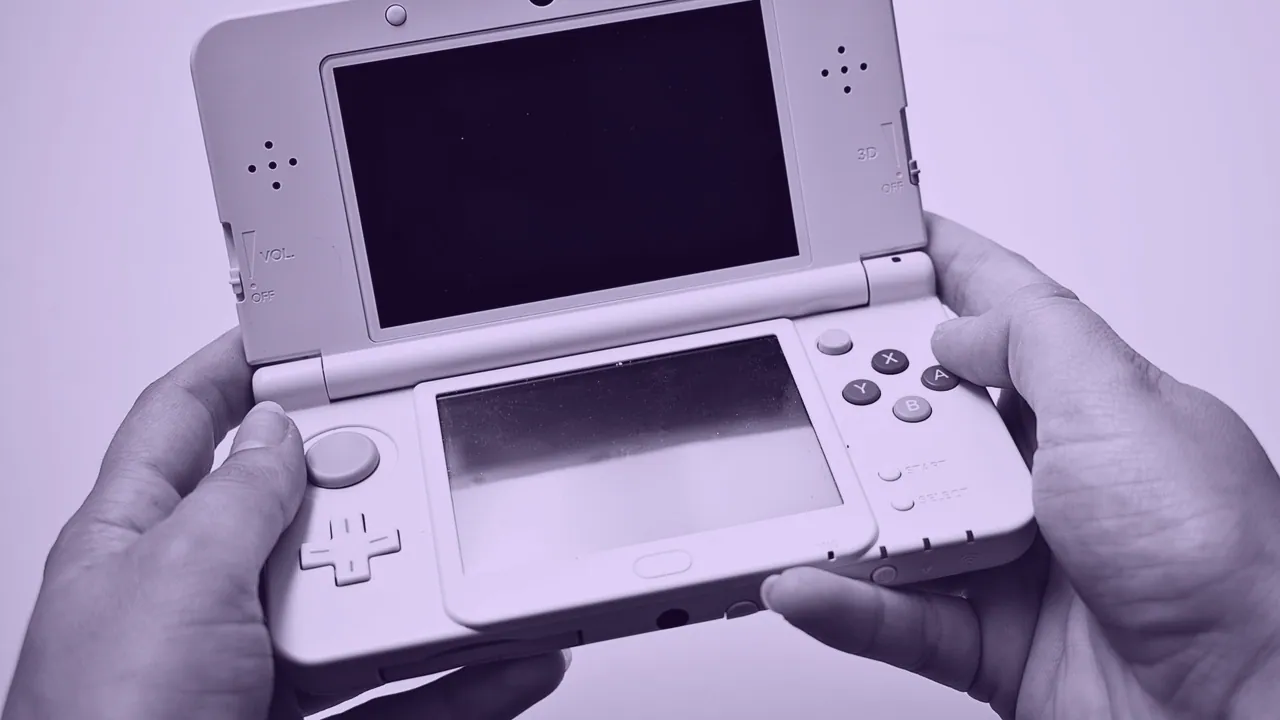
Nothing about that sentence is a workaround waiting to be found. Wallpaper Engine is a Steam program that plays animated wallpapers on a Windows desktop, it is Windows only, and Proton is a compatibility layer that lets Steam run Windows software on Linux. The program is not supported in that configuration by anybody, so a fault you hit is a fault you own.
Proton is the only route, and it is not a supported one
Proton carries the program onto Linux, but it does not make Linux one of its platforms. The distinction matters in practice rather than in principle: an unsupported configuration gets no guarantee that the next update keeps working, no troubleshooting path from the publisher, and no promise that a feature present on Windows appears at all. Behavior varies by desktop environment, so Linux Mint and SteamOS are separate cases rather than one case, and a fix that works on one desktop is not evidence about another.
Treat it as a program you are trying rather than a program you are installing. If the wallpaper does not draw, the failure is usually the desktop rather than the download.
Why the desktop environment decides the outcome
The desktop environment decides the outcome because the desktop background is not a free surface: it is drawn and owned by the environment's own shell and compositor. A Windows program running under Proton has to find something to draw onto, and what it finds depends entirely on how that environment builds its desktop, how it handles a window asked to sit behind every icon, and whether it composites at all.
That is why the same build behaves one way under a traditional stacking desktop and another way under a modern compositing one, and why a report on Reddit that a custom animated background works perfectly tells you about somebody else's machine. The variable is the environment, not the wallpaper file.
The Steam Deck panel is 1280 x 800, which makes it 16:10
The Steam Deck panel, on both the LCD and the OLED models, is 1280 x 800, and that is a 16:10 frame. Almost every wallpaper in circulation is 16:9, so almost every wallpaper is the wrong shape for it. The ratios are 1.778 for 16:9 and 1.600 for 16:10, which means a 16:9 file scaled to fill the height of the Deck is proportionally wider than the frame and loses width at both edges.
| Screen | Pixels | Aspect | What a 16:9 file does here |
|---|---|---|---|
| Steam Deck | 1280 x 800 | 16:10 | fills the height, loses width at both sides |
| Nintendo Switch handheld | 1280 x 720 | 16:9 | fits exactly |
| Standard laptop | 1920 x 1080 | 16:9 | fits exactly |
| Laptop, returning ratio | 1920 x 1200 | 16:10 | same crop problem as the Deck |
| Ultrawide monitor | 3440 x 1440 | 21:9 | keeps about 74% of the file's width |
The fix is to prepare the file at 1280 x 800 before it ever reaches the device, choosing the crop yourself instead of letting a scaler choose it. A picture cropped deliberately at 16:10 looks composed. The same picture cropped automatically usually cuts a face in half.
Changing the Steam Deck background without Wallpaper Engine at all
Changing the Steam Deck background is a desktop job, not a Wallpaper Engine job, and it works whether or not Proton cooperates. The handheld's desktop mode is a full Linux desktop and it sets its background the way that desktop sets any background, from an image file you supply. That path takes a still picture at 1280 x 800 and asks nothing of a compatibility layer.
Customizing the game launcher interface is a different surface again and does not share a setting with the desktop background. The same picture is a different file on every one of these surfaces, and a file sized for one of them is not sized for the others.
Ultrawide and multi-monitor Linux desktops need the file, not the program
An ultrawide Linux desktop needs a file at the panel's own width, and no program supplies that if the source picture does not have the pixels. The standard 34 inch ultrawide is 3440 x 1440 at 21:9, the entry ultrawide is 2560 x 1080, and the 49 inch super ultrawide class is 5120 x 1440 at 32:9, a ratio of 3.556. Two 1920 x 1080 panels side by side need one file at 3840 x 1080, and two 2560 x 1440 panels need 5120 x 1440.
Scale a 16:9 file to fill the width of a 21:9 screen and you keep about 74% of the original height, so roughly 13% is cut off the top and the same off the bottom. That loss happens on Linux exactly as it happens anywhere else, because it is arithmetic rather than software.
The free alternative that is actually built for Linux
ScreenPlay is the free alternative that runs natively here: it is open source and cross platform, so it does not need Proton to reach a Linux desktop. Lively Wallpaper, the other well known open source option, is a Windows program and does not help on this platform.
WHAT DOES NOT CHANGE
Running an animated wallpaper on Linux changes nothing about whose artwork is inside it. A live wallpaper is a video your device never stops playing, and the license on that video is the same on SteamOS as it is on Windows.