Every screen wants one pair of numbers, and it is probably not 1920 by 1080
SECTION
SCREEN SIZEANSWERS
desktop wallpaper sizeREAD
6 minFIGURE
photographDesktop wallpaper size is the pixel width and height of the image file, and it is correct when it equals or exceeds the resolution of the screen showing it, which is 1920 x 1080 on the most common desktop in the world, 2560 x 1440 on a typical 27 inch monitor and 3840 x 2160 on a 4K display.
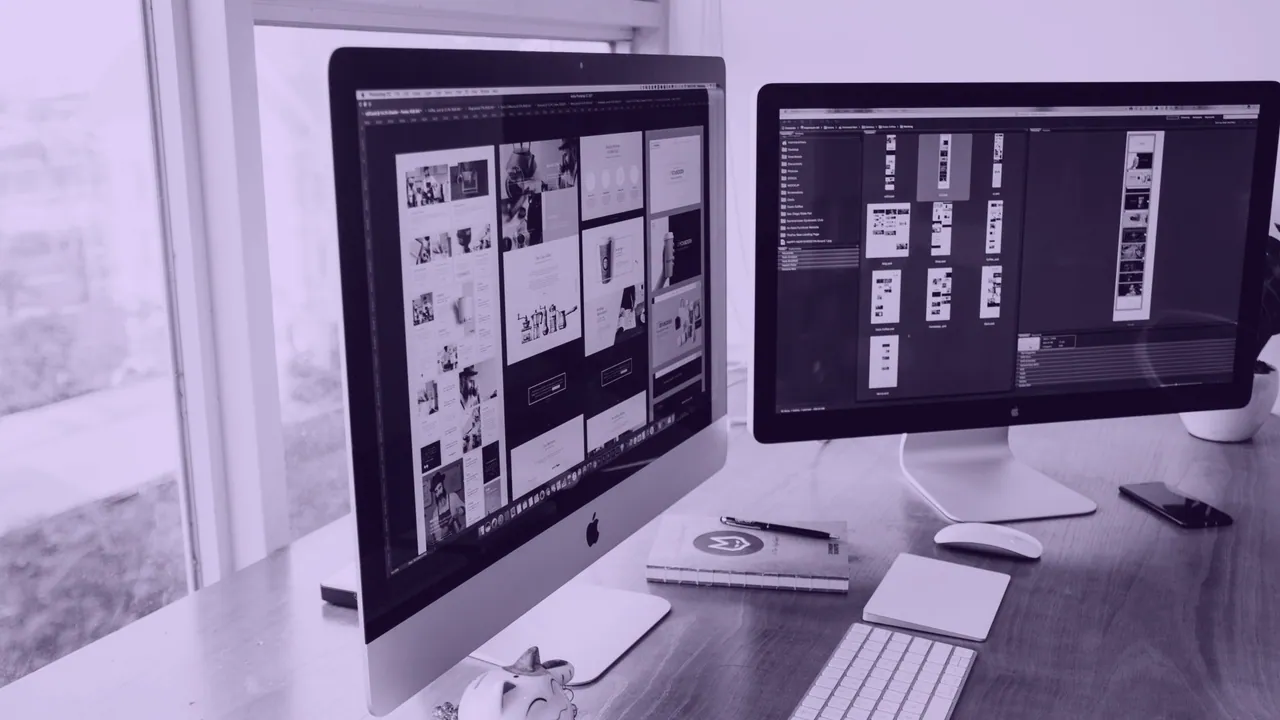
Everything here follows from that rule. A file larger than the screen is scaled down, discarding pixels nobody notices. A file smaller than the screen is scaled up, which invents pixels that were never drawn. Aspect ratio is the second measurement and it decides how much of the picture survives. Finding the picture is the easy part; matching it to a panel is where most anime wallpaper fails.
Resolution and aspect ratio are two separate measurements
Resolution counts pixels and aspect ratio describes the shape those pixels make, and a wallpaper has to pass both tests. A 1920 x 1080 file and a 3840 x 2160 file are both 16:9, so either covers a 16:9 screen edge to edge with nothing cropped and only their sharpness differs. A 1920 x 1200 file is 16:10, a taller shape, so on a 16:9 screen it loses a strip top and bottom however many pixels it carries. Size decides sharpness, shape decides cropping, and a file can pass one and fail the other.
Inches never enter the calculation. The 27 inch figure on a monitor box describes the diagonal of the glass rather than the file the panel wants, and two 27 inch monitors can be 1920 x 1080 and 2560 x 1440. The dpi or ppi value stored inside a JPEG or a PNG is a printing instruction with no effect on a desktop background.
How to read your own screen before you size anything
To read your own screen, open the display settings, write down the two numbers it calls resolution, and check whether the panel is scaled.
- Open Display settings on Windows and read the pair under Display resolution, the true pixel count of the panel.
- Open Displays in System Settings on a Mac and treat the pair shown there as points rather than pixels on any Retina panel.
- Multiply the Mac figure by two in each direction to reach the panel's true pixel count.
- Divide width by height for the aspect ratio: 1.778 is 16:9, 1.600 is 16:10, 2.389 is a 3440 x 1440 ultrawide.
The desktop sizes worth knowing
The desktop sizes below cover almost every screen a wallpaper must fill, and the pixel column is the number to match.
| Name | Pixels | Aspect | Where you meet it |
|---|---|---|---|
| HD, 720p | 1280 x 720 | 16:9 | cheap laptops and the Nintendo Switch in handheld mode |
| FHD, 1080p | 1920 x 1080 | 16:9 | the most common desktop resolution in the world |
| WUXGA | 1920 x 1200 | 16:10 | laptops, where the taller shape is returning |
| QHD, 1440p | 2560 x 1440 | 16:9 | the standard 27 inch monitor |
| 4K UHD | 3840 x 2160 | 16:9 | four times the pixels of 1080p, not twice |
| 5K | 5120 x 2880 | 16:9 | the Apple Studio Display and the 27 inch iMac |
| Ultrawide | 3440 x 1440 | 21:9 | the standard 34 inch ultrawide |
| Super ultrawide | 5120 x 1440 | 32:9 | the 49 inch Samsung class panel |
There is no standard desktop wallpaper size, only a most common one, and 1366 x 768 laptops remain widespread enough that a file made for one looks soft elsewhere. Size upward, not downward: a 3840 x 2160 file is safe on every screen in that table, because 4K is 3840 x 2160 and a smaller panel simply discards the surplus. A monitor advertised as 4K is almost always 3840 x 2160; DCI 4K at 4096 x 2160 is a cinema standard, not a monitor one.
Why a Mac asks for twice the number it reports
A Mac reports points, the panel holds pixels, and on a Retina display there are two pixels per point in each direction, so the number macOS shows is half the number a wallpaper needs. A file sized to the reported figure arrives at half resolution and is upscaled. This is the commonest cause of a soft wallpaper on Apple hardware, and it catches people who did everything else right.
| Device | Reported points | Native pixels | Scale |
|---|---|---|---|
| MacBook Air 13 in | 1280 x 832 | 2560 x 1664 | 2x |
| MacBook Pro 14 in | 1512 x 982 | 3024 x 1964 | 2x |
| iMac 24 in | 2240 x 1260 | 4480 x 2520 | 2x |
| Studio Display 27 in | 2560 x 1440 | 5120 x 2880 | 2x |
Read the last row twice: a Studio Display reports the same 2560 x 1440 a plain QHD monitor genuinely is, and wants four times the pixels.
What the fit options do when the shapes disagree
The fit options decide which compromise you get when the file's aspect ratio and the screen's disagree, and only four outcomes are worth naming.
- Choose Fill to cover the screen completely and lose whichever axis is proportionally longer.
- Choose Fit to keep the whole picture and accept bars on two sides.
- Choose Stretch to cover the screen by distorting the picture, widening every face in it.
- Choose Center or Tile to show the file at its own size, useful only when the file is small and the pattern repeats.
macOS scales a desktop picture to fill by default, cropping the proportionally longer axis, unless you pick Fit To Screen or Stretch. Windows offers the same choices plus Span, which treats two monitors as one canvas. To adjust a file yourself in Photoshop, GIMP or Preview, set the canvas to the target pixel dimensions and crop into the image rather than resampling upward, because no editor adds detail that was never in the file.
Phones, tablets and lock screens are a different problem
Phones and tablets are not small desktops, they are a different shape, which changes the sizing question rather than shrinking it. Android panels run 19.5:9 and 20:9, taller than any aspect ratio artwork is ever composed in, and a 16:9 file scaled to fill the height of a 9:19.5 phone must be about 3.85 times as wide as the screen, so most of the picture ends up off-frame. The lock screen is portrait on a phone and reserves the top of the frame for the clock and the bottom for the flashlight and camera buttons, which is why iOS keeps two wallpaper slots holding different images.
Fitting is only half the question
Fitting answers whether the file will cover the screen and says nothing about whether the file is yours to use, because free to download and free to use are not the same thing. Four categories of image are genuinely free: work a rights holder has released with stated terms, work under an open license such as Creative Commons or CC0, work licensed from the artist, and work you made yourself. Get the rights right first and the pixel dimensions second.
THE SHORT VERSION
Match or exceed the screen's pixel count, match the aspect ratio, and double the reported figure on any Retina Mac. A file that is too big costs storage. A file that is too small cannot be repaired.